List Overview
The List tab shows all your active kelp and fish marks in a sortable list. Each row shows the name, type, distance, bearing, and age. Tap a row to view full details, or swipe to archive.
Bulk actions — tap "Select" in the top-right to enter selection mode. Tap multiple items to select them, then use the toolbar to apply an action to all selected items at once: archive, delete, or share to a crew.
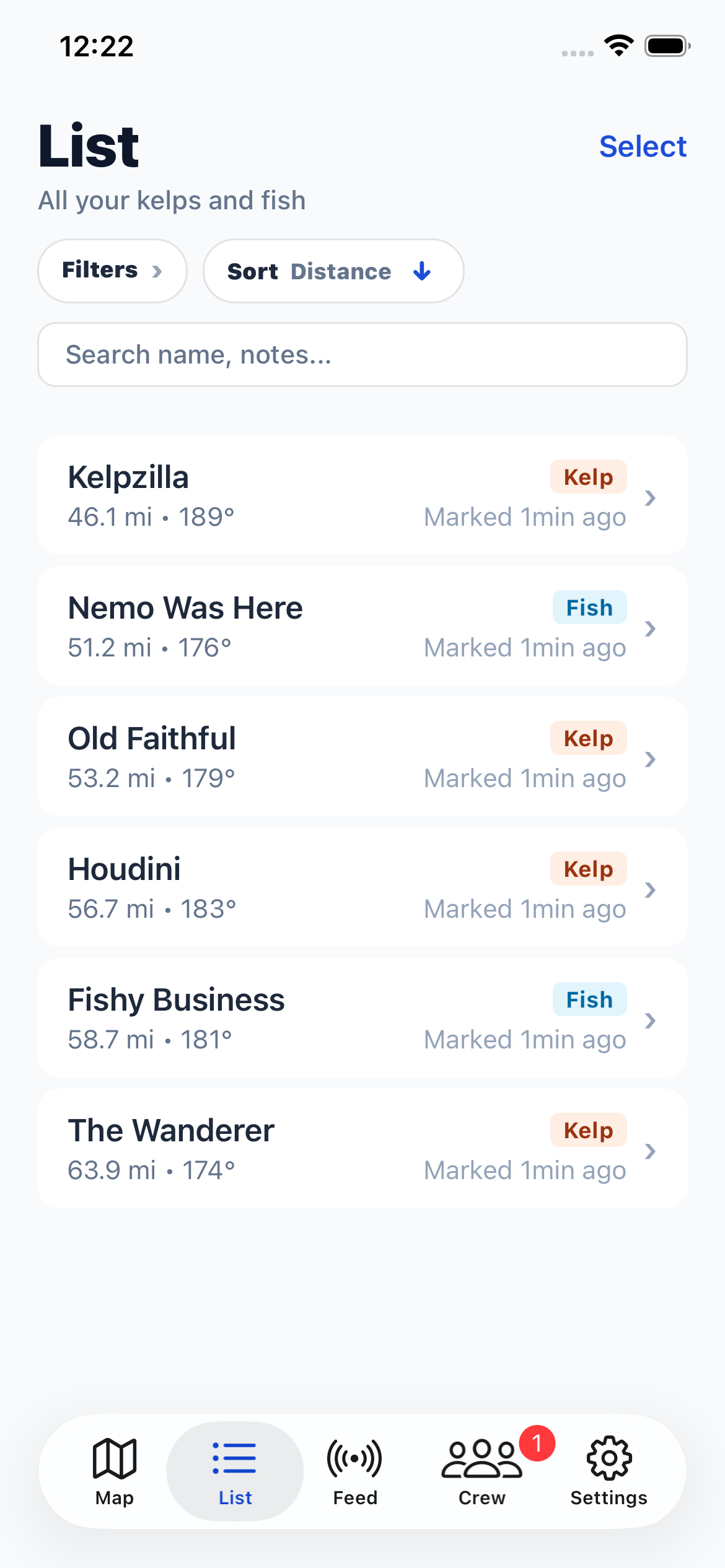
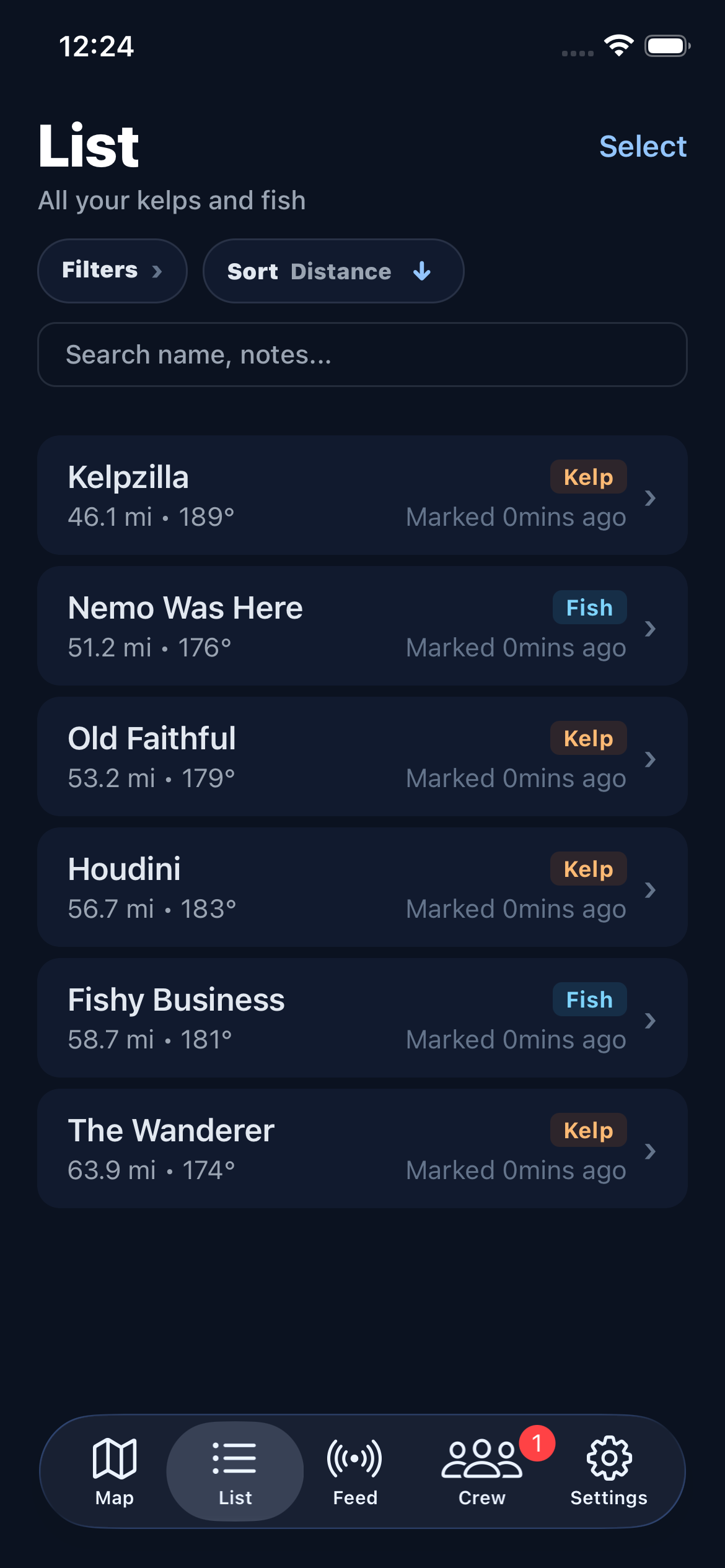
Item row