Layers
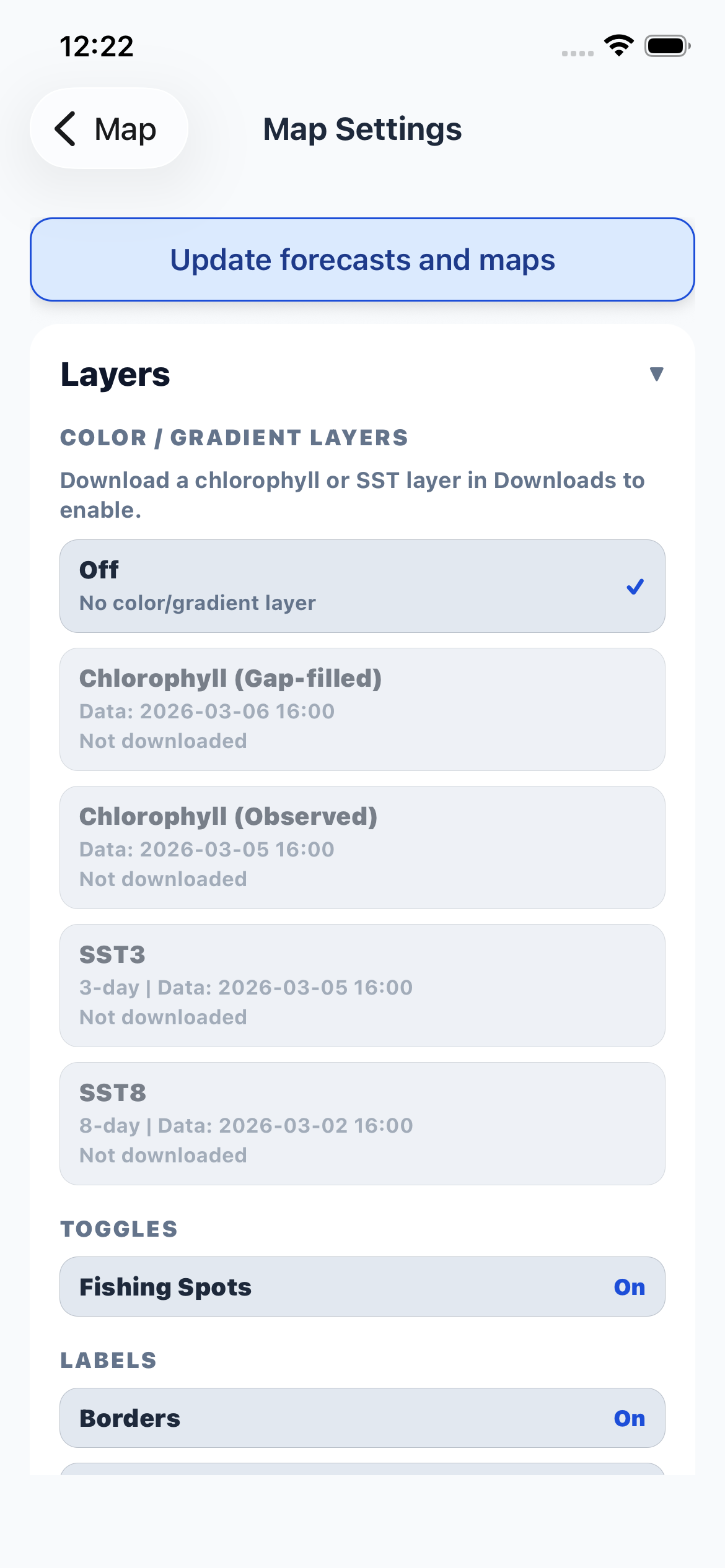
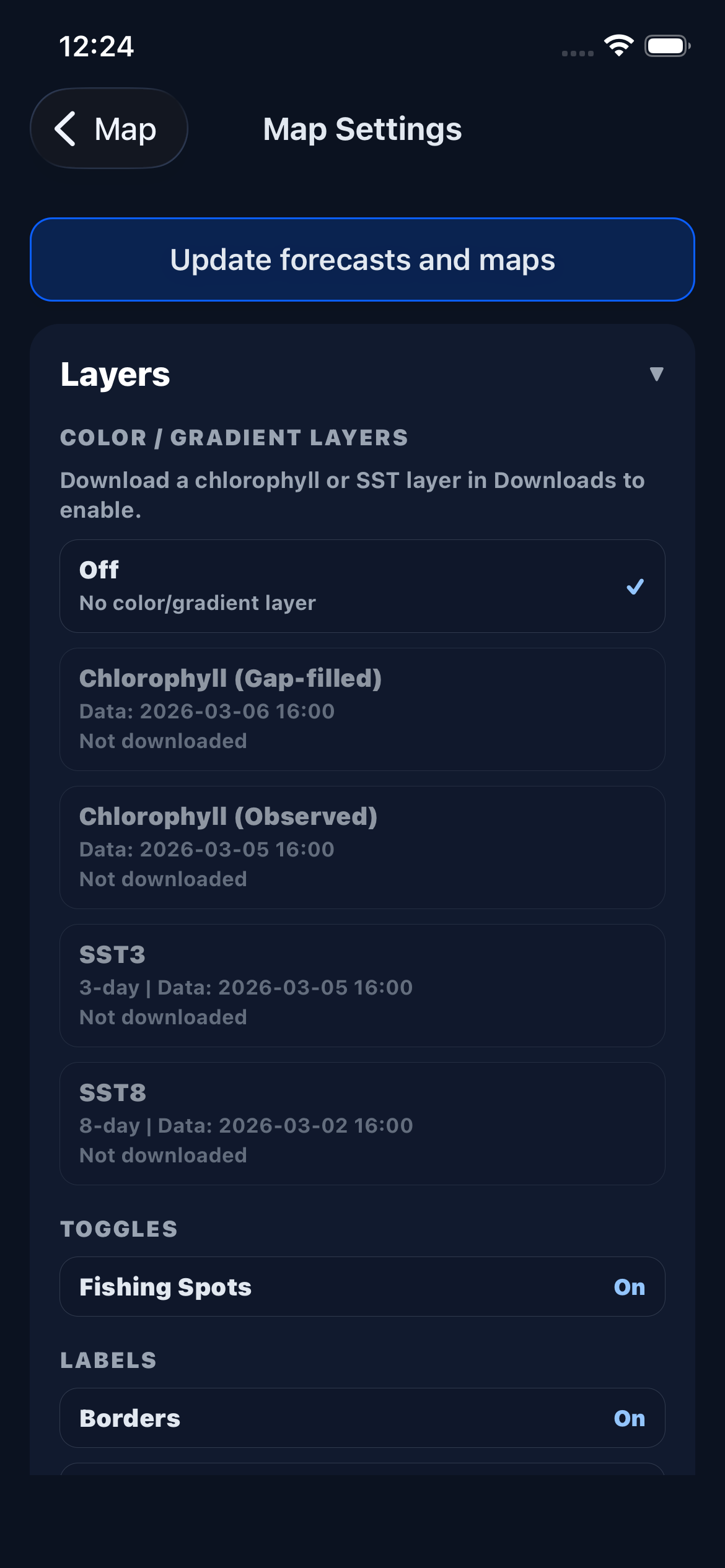
The Layers section controls what data overlays appear on your chart. Each layer can be toggled on or off independently.
Color / Gradient Layers show ocean measurement data as a color overlay on the map. Only one can be active at a time:
- Chlorophyll (Observed) — raw satellite-observed chlorophyll concentration, showing where phytoplankton is densest. Sharper detail than the gap-filled layer, but only where skies were clear, so expect patchy coverage — and it runs about a week behind, since the satellite feed is published on a delay
- Chlorophyll (Gap-filled) — interpolated chlorophyll data that fills gaps from cloud cover. Coarser, but it covers the whole chart every day and updates within a day or two
- SST / SST3 / SST8 — sea surface temperature composites over 1-day, 3-day, or 8-day windows
Fishing Spots shows marked fish locations on the map.
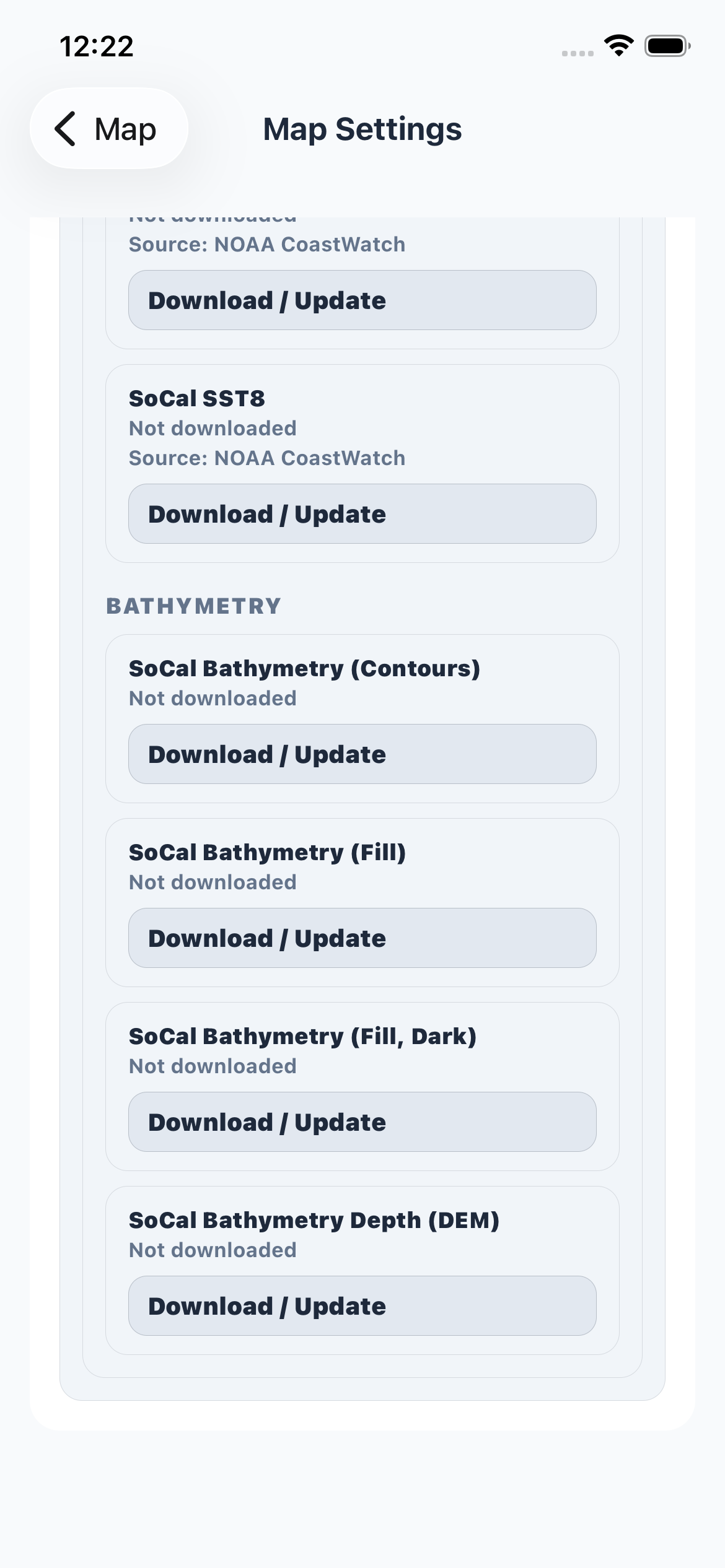
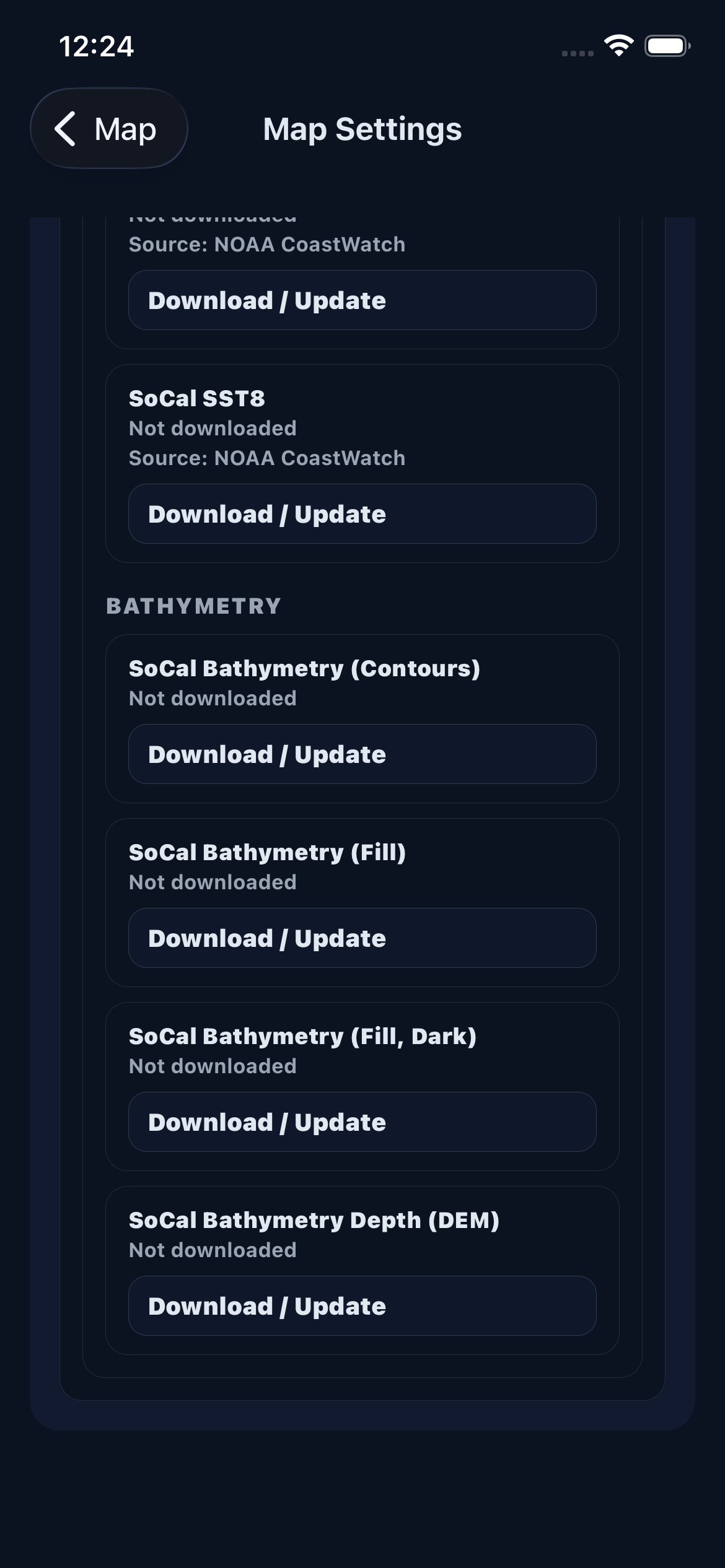
Bathymetry displays depth contour lines, and Bathymetry Fill adds color shading to show depth gradients. Both require downloading the bathymetry data pack first.
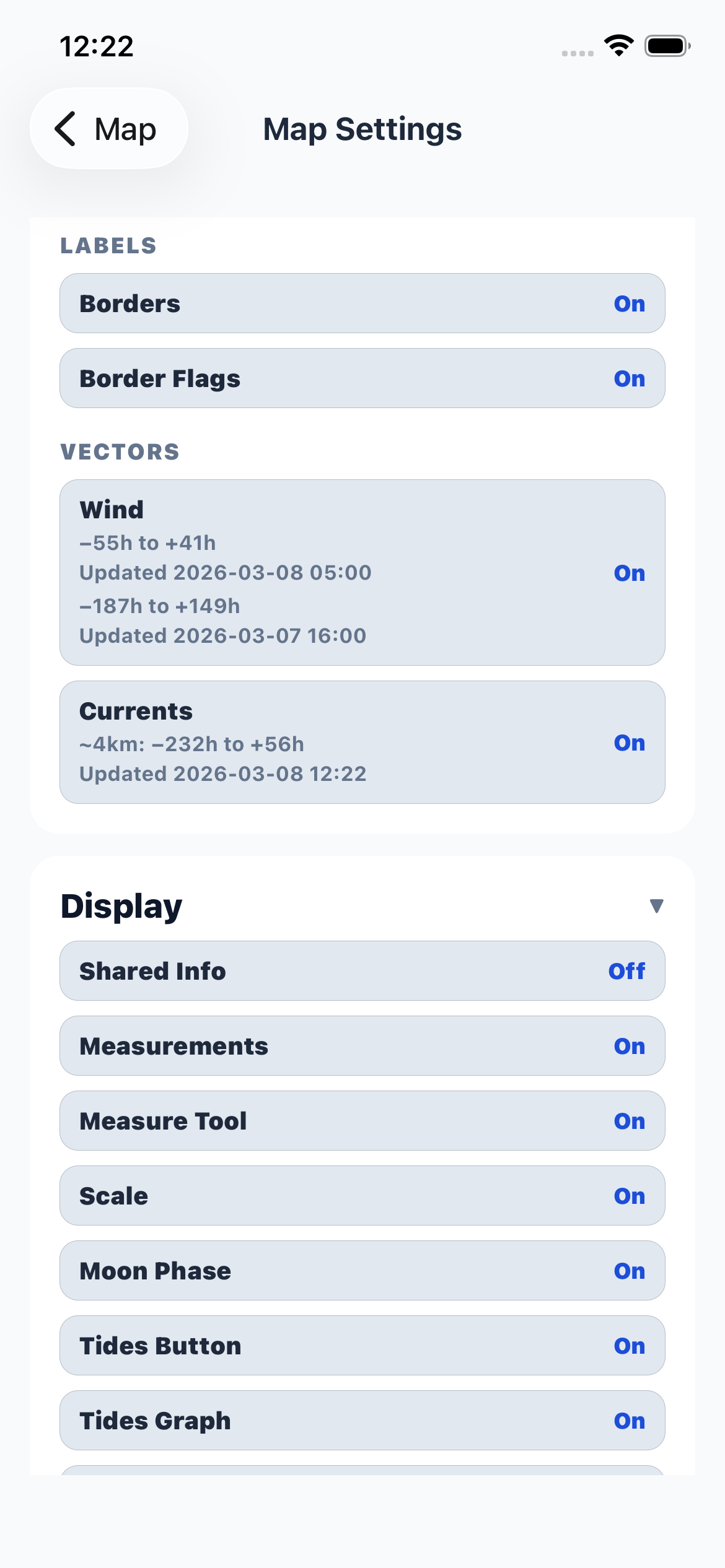
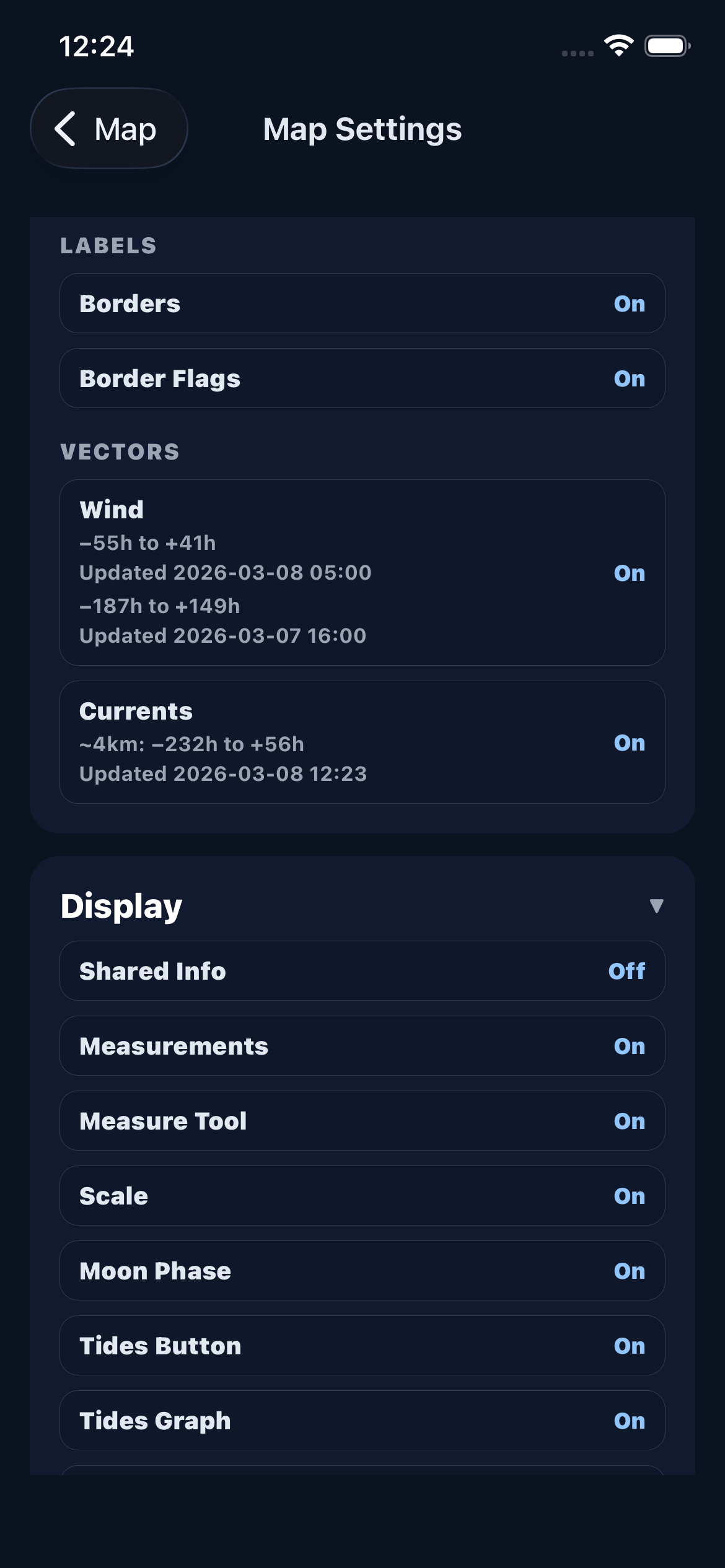
Borders and Border Flags toggle country/region boundary labels and flag icons.
Wind and Currents toggle the vector field overlays that show wind direction/speed and ocean surface current flow. When enabled, the map displays coverage info and the latest forecast run time.
Display
Display settings control map UI elements and visual indicators.
- Shared Info — show or hide marks and reports shared by your crews. Turn this off for privacy when sharing your screen.
- Measurements — show or hide distance/area measurements you've drawn on the map.
- Measure Tool — enable or disable the distance and area measurement drawing tool.
- Scale — show or hide the map scale bar.
- Moon Phase — show or hide the current moon phase indicator.
- Tides Button — show or hide the tides forecast button.
- Tides Graph — show or hide the tidal prediction graph.
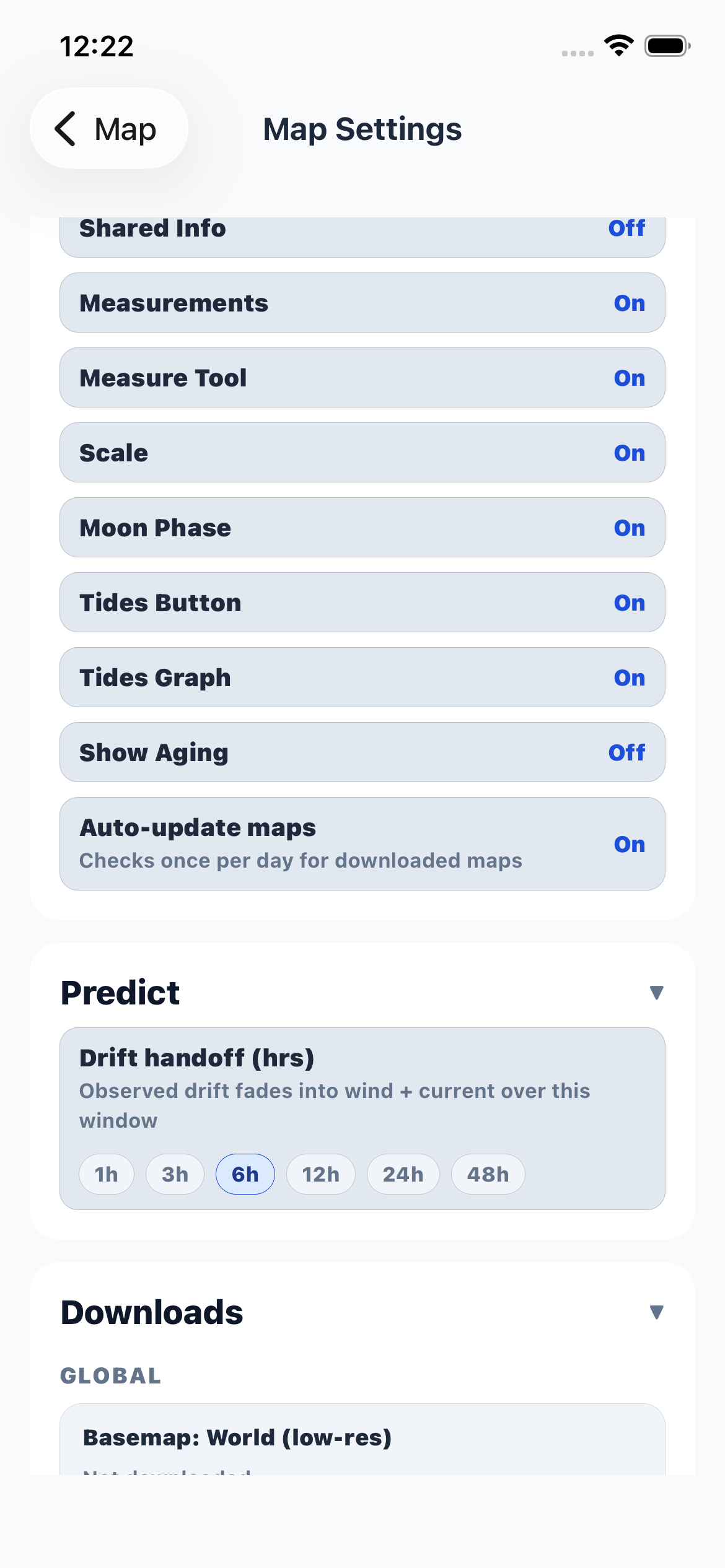
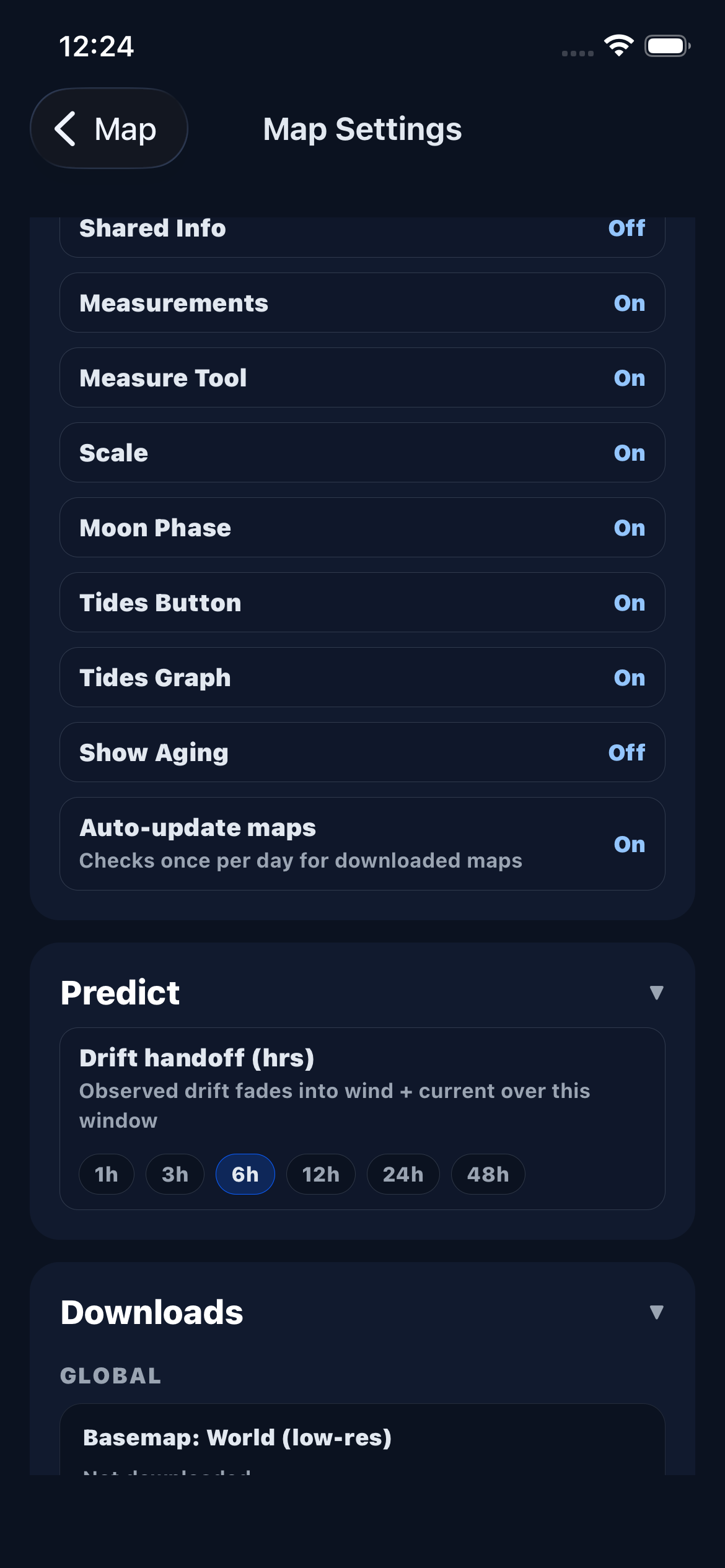
- Show Aging — when enabled, marks visually fade as they get older. You can set separate aging thresholds for kelp and fish marks (in hours).
- Auto-update maps — automatically check once per day for new map and forecast data.
Predict
The Predict section controls how drift predictions are calculated.
Drift handoff sets how many hours the app blends your observed drift data with wind and current forecasts. Options range from 1 hour to 48 hours.
A shorter handoff means the prediction switches to forecast data sooner. A longer handoff keeps your observed drift influential for more time, which is useful when you have recent, high-confidence GPS tracks.
Downloads
The Downloads section manages all offline data packs. Each dataset can be downloaded, updated, or deleted independently.
Basemap is the world map — the minimum download needed for offline use.
Coastline adds a detailed coastline overlay for your selected region.
Wind Forecast (48h) is the high-resolution NOAA HRRR forecast with 1-hour time steps, covering the next 48 hours.
Wind Forecast (7d) is the longer-range NOAA GFS forecast with 3-hour time steps, covering 7 days out.
Tides downloads the tidal harmonic model (EOT20) for accurate tide predictions at any point in the coverage area.
Surface Currents downloads ocean surface current observations from NOAA WCOFS at ~4km resolution.
Ocean Measurements includes chlorophyll and sea surface temperature datasets from NOAA CoastWatch.
Bathymetry downloads depth contour and fill data for the selected region.
Each download shows its source, size, last update time, and coverage period. Tap "Update forecasts and maps" at the top to check and download all available updates at once.