Creating & Updating Marks
There are two distinct actions in Kelpulator:
Creating a new mark — recording a kelp paddy or fish spot for the first time. Tap the + button on the map to create a new kelp or fish, then record its position with GPS or switch to Manual mode and tap the map to place it at any location.
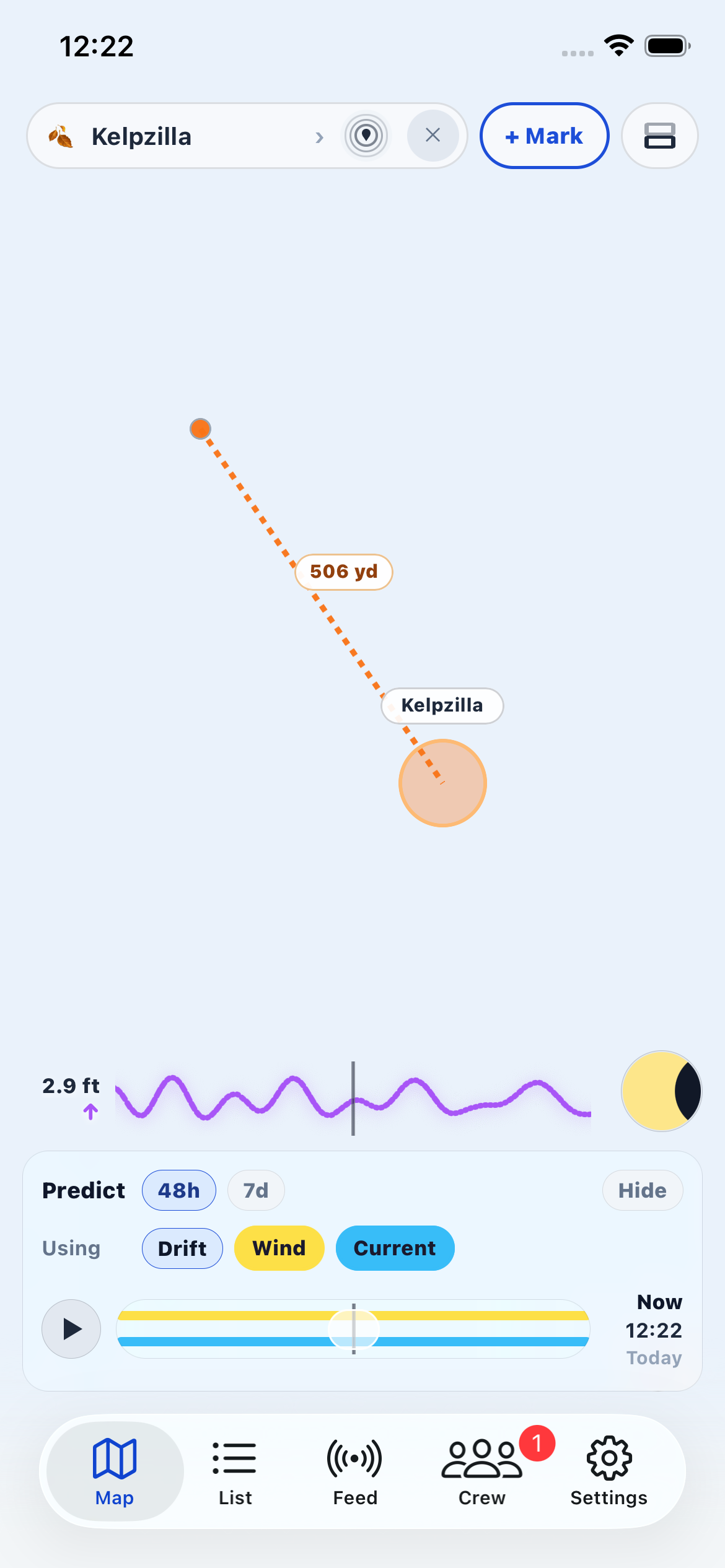
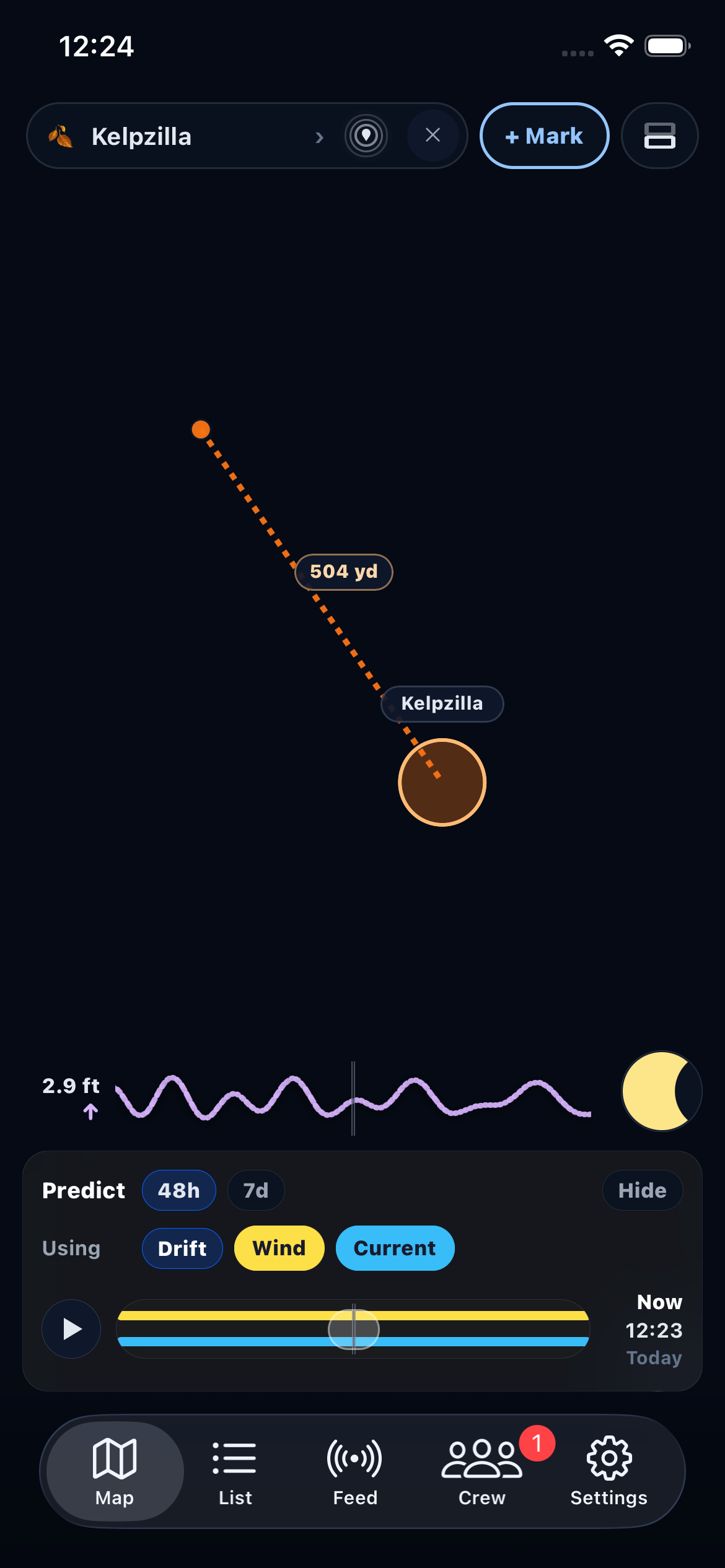
Adding a position to an existing mark — updating a kelp paddy's location over time. Because kelp drifts, you can add multiple GPS positions to track its movement. These positions are what Kelpulator uses to calculate the drift vector for prediction. You can add a position two ways:
- From the map: Focus the kelp by tapping it, then tap the "+ Mark" button that appears in the top bar.
- From the detail screen: Open the kelp's detail screen and tap "Mark Current Location" at the bottom.
Fish spots only support a single position since they represent fixed locations (reefs, structure, etc.).