Profile
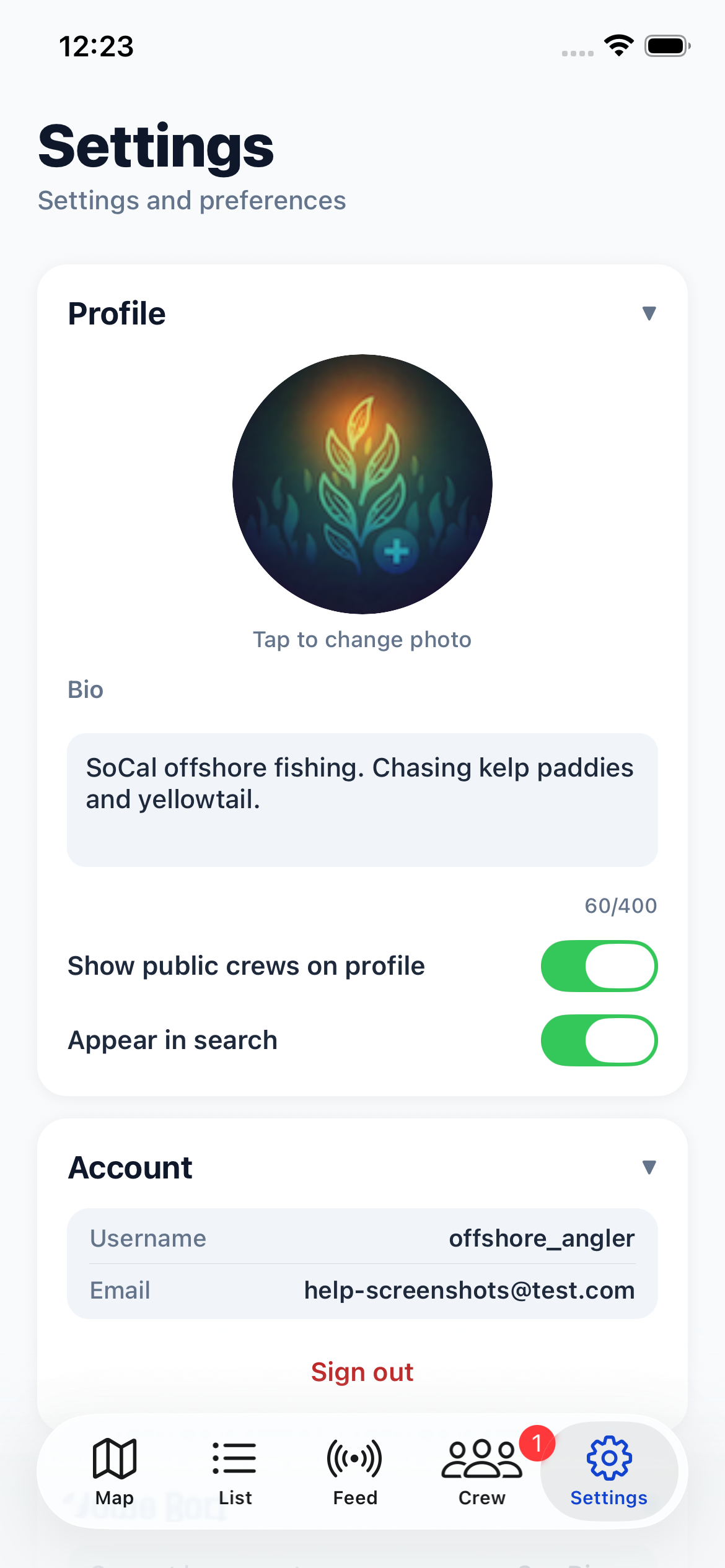
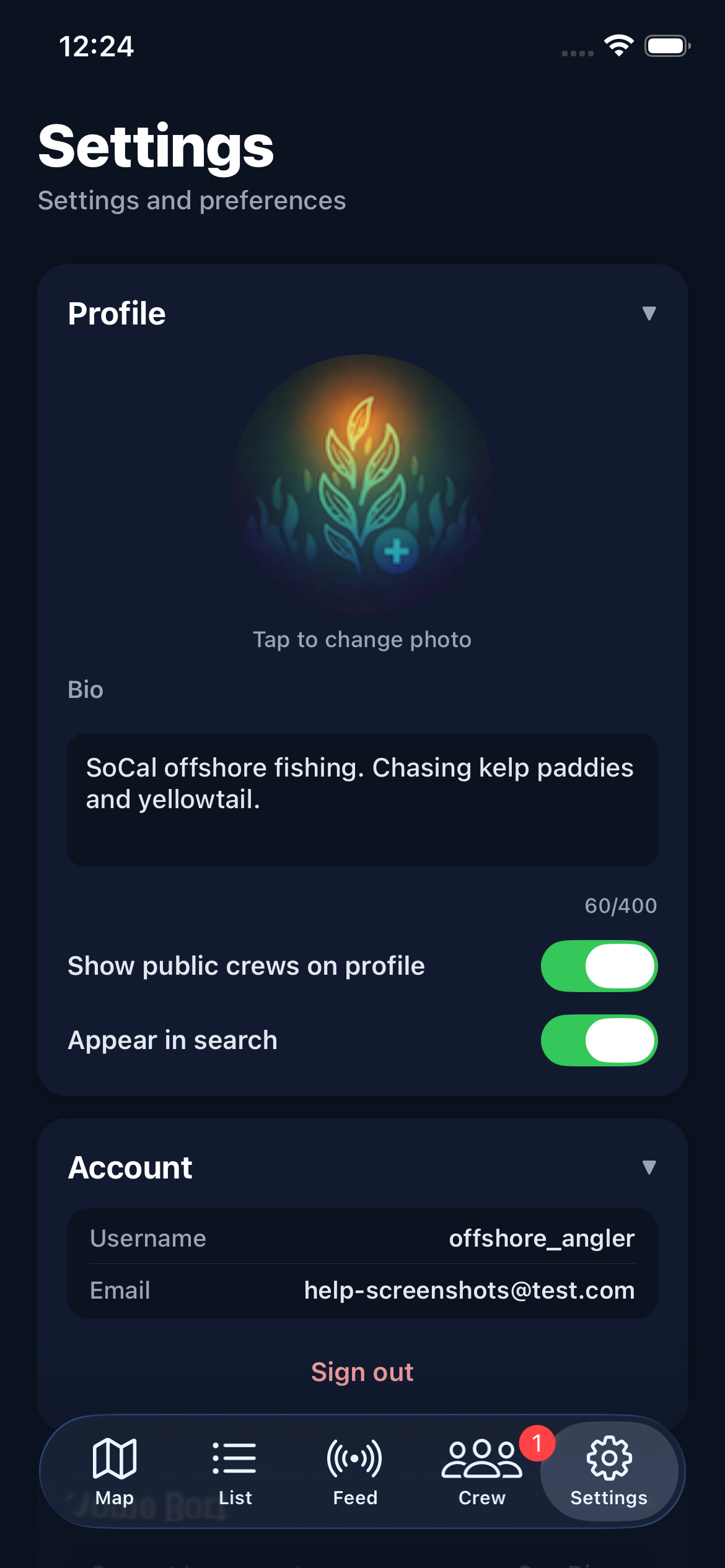
Your profile is visible to other anglers in your crews and in Discover search results.
Tap your avatar to change your profile photo using your camera or photo library.
Bio is a short text description (up to 400 characters) that appears on your profile.
Show public crews on profile controls whether your crew memberships are visible to others viewing your profile.
Appear in search controls whether other users can find you when searching in the Discover tab.
Home Port
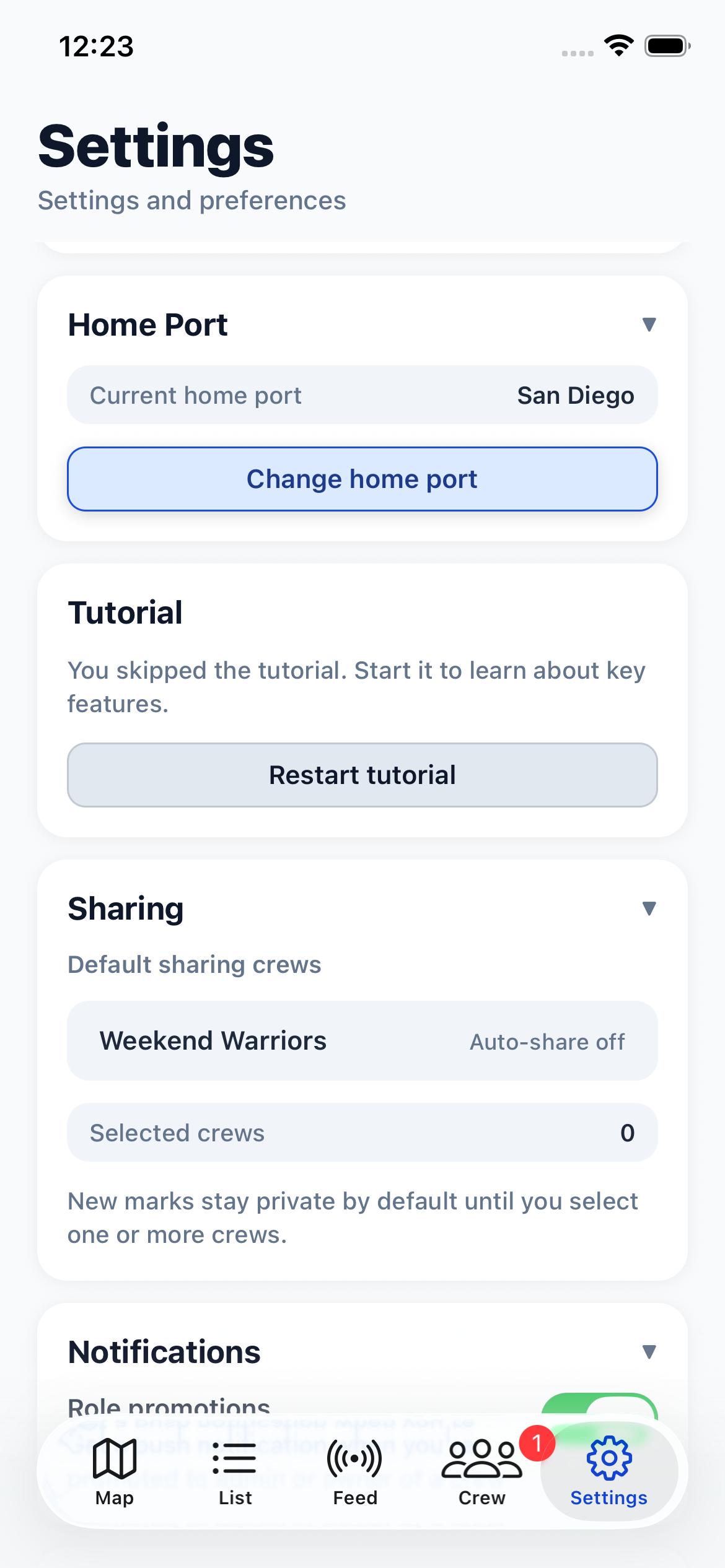
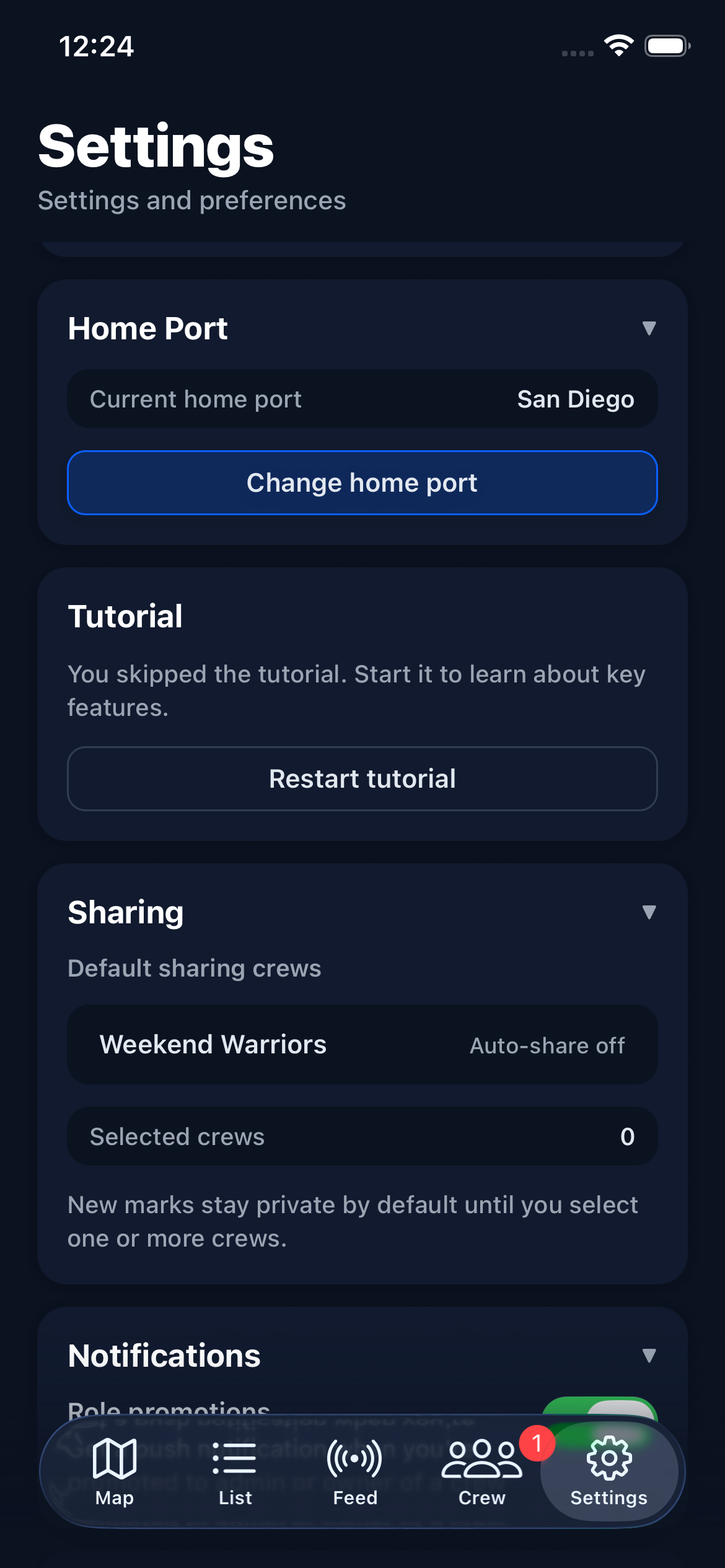
Your home port determines the default tide station and helps the app show relevant local data. Tap "Change home port" to select from the full list of available ports.
The port picker shows all supported ports grouped by region. Your selection is synced across devices.
Default Sharing
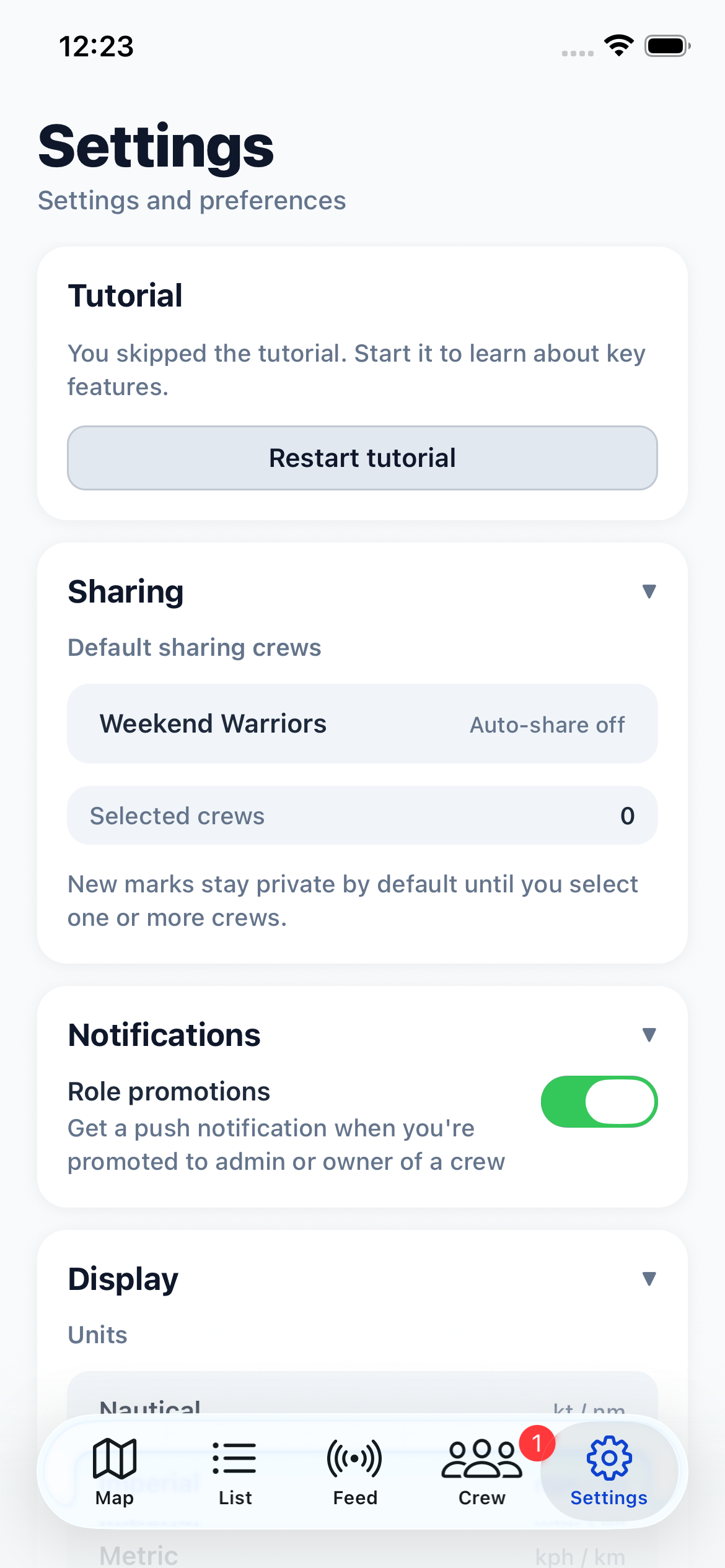
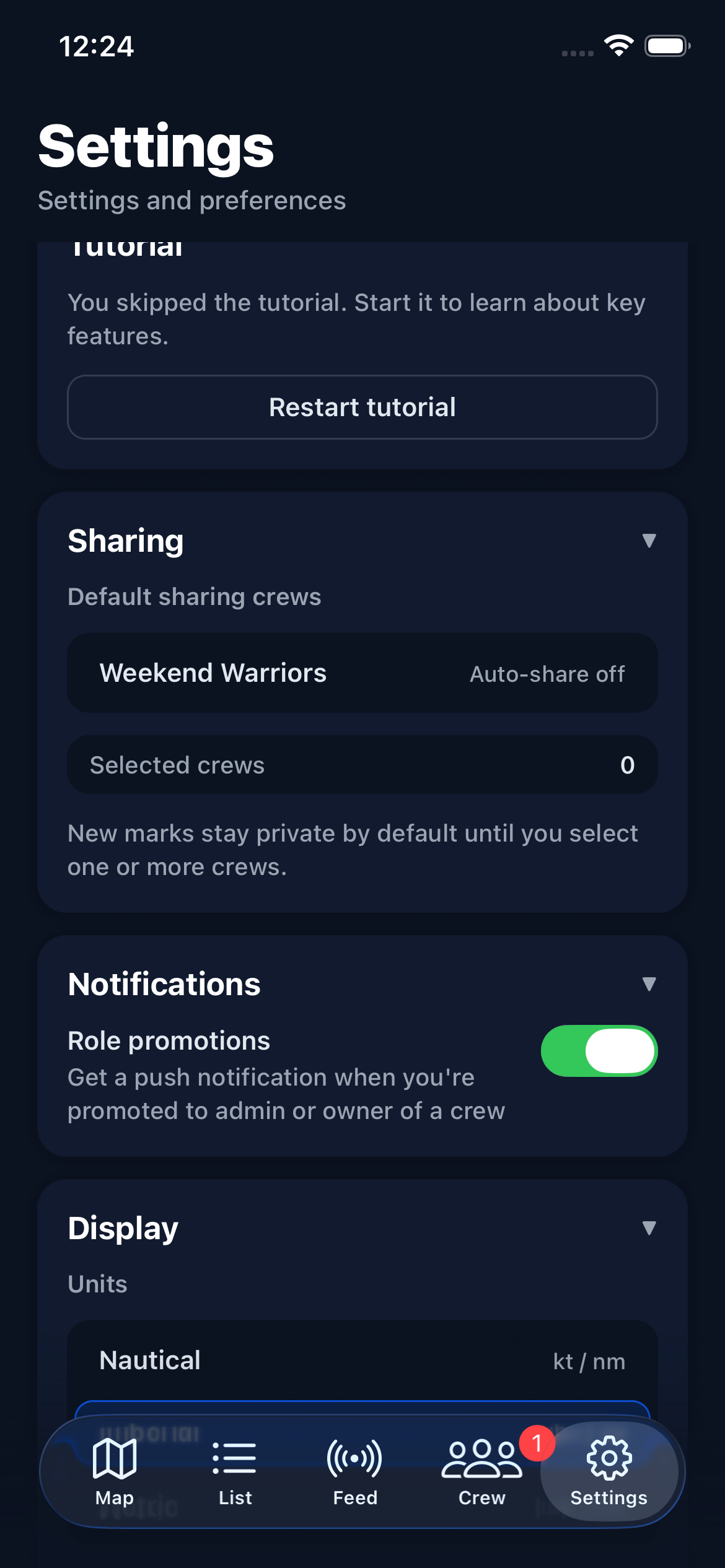
Default sharing controls which crews automatically receive your new kelp and fish marks. When you create a mark, it will be shared to all crews you've selected here.
Only crews where you have write access appear in this list. Read-only crews (where you're a regular member and the crew has members set to read-only) are excluded.
Display
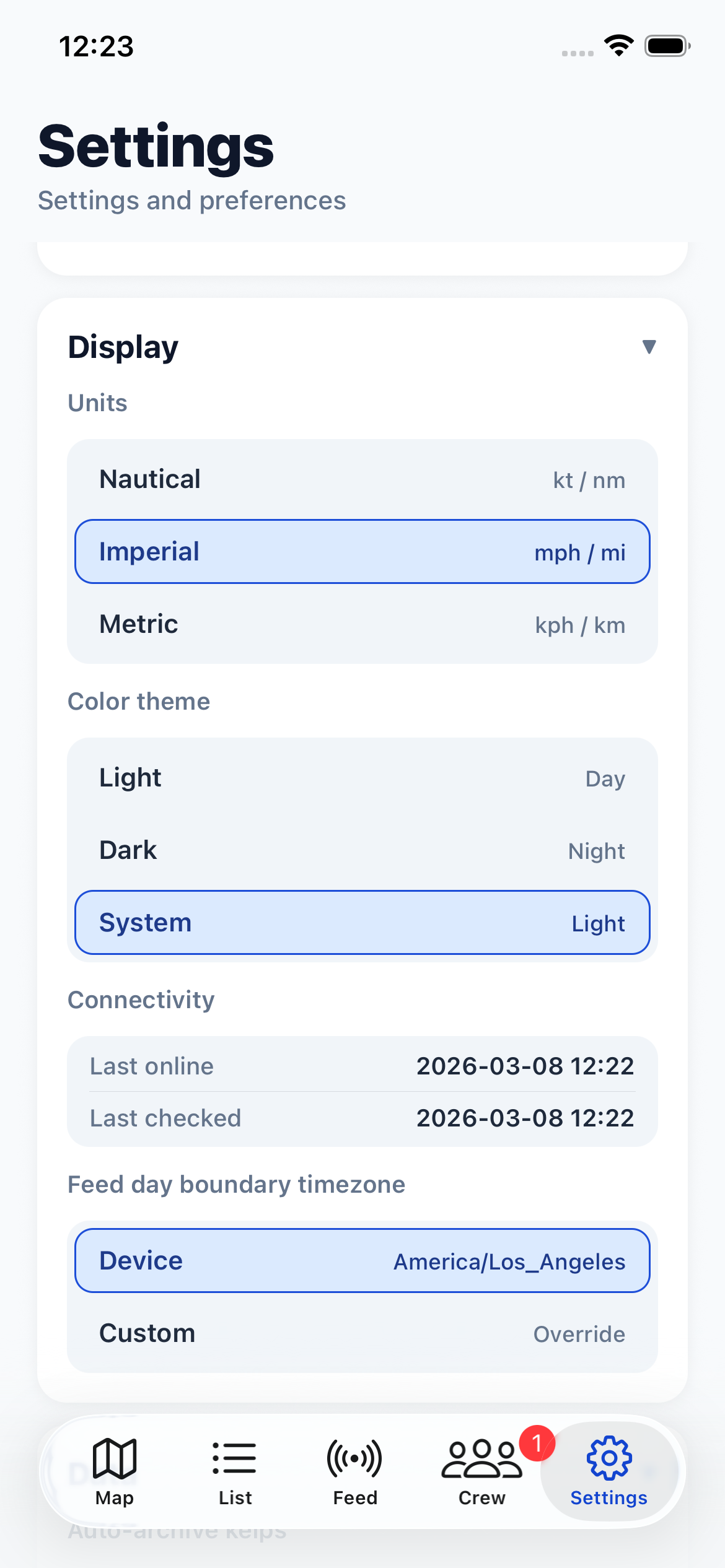
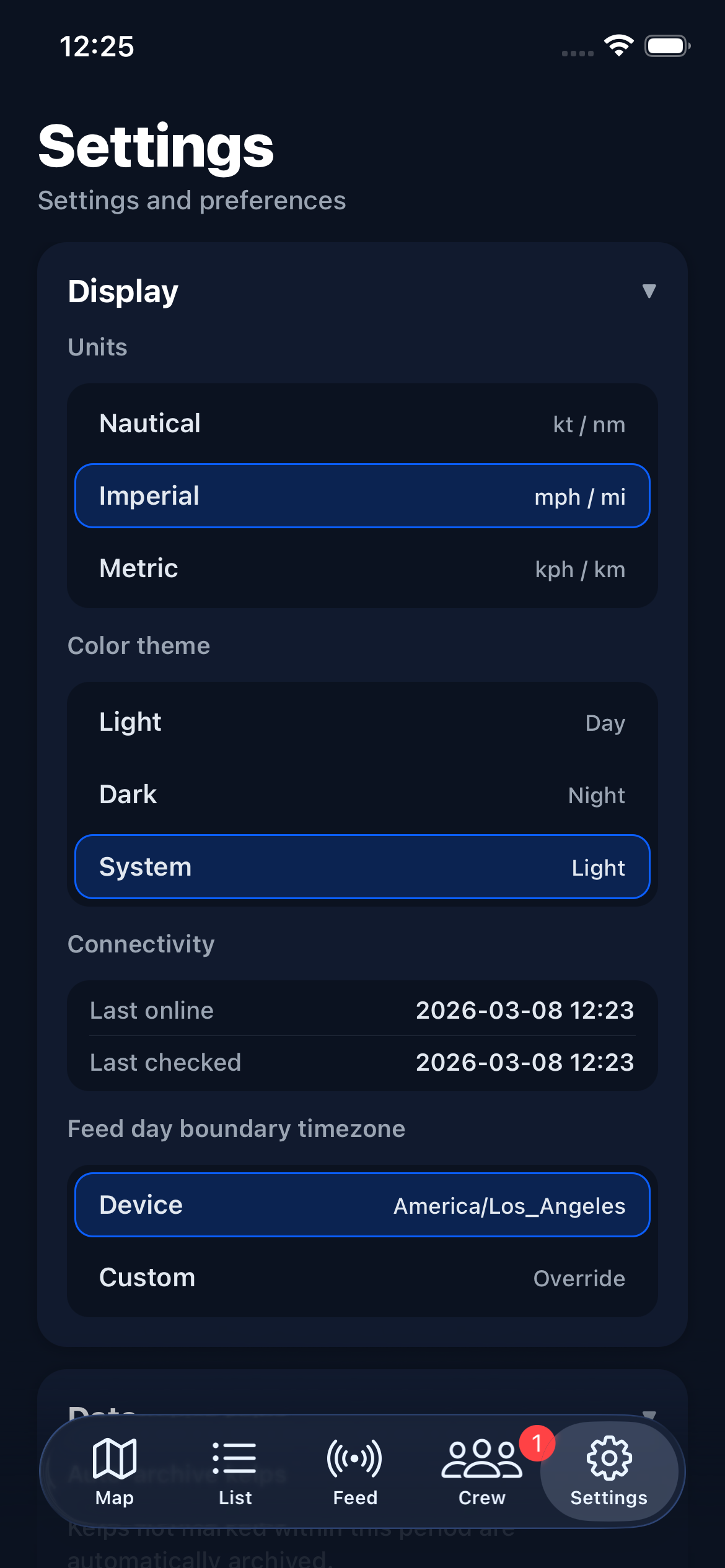
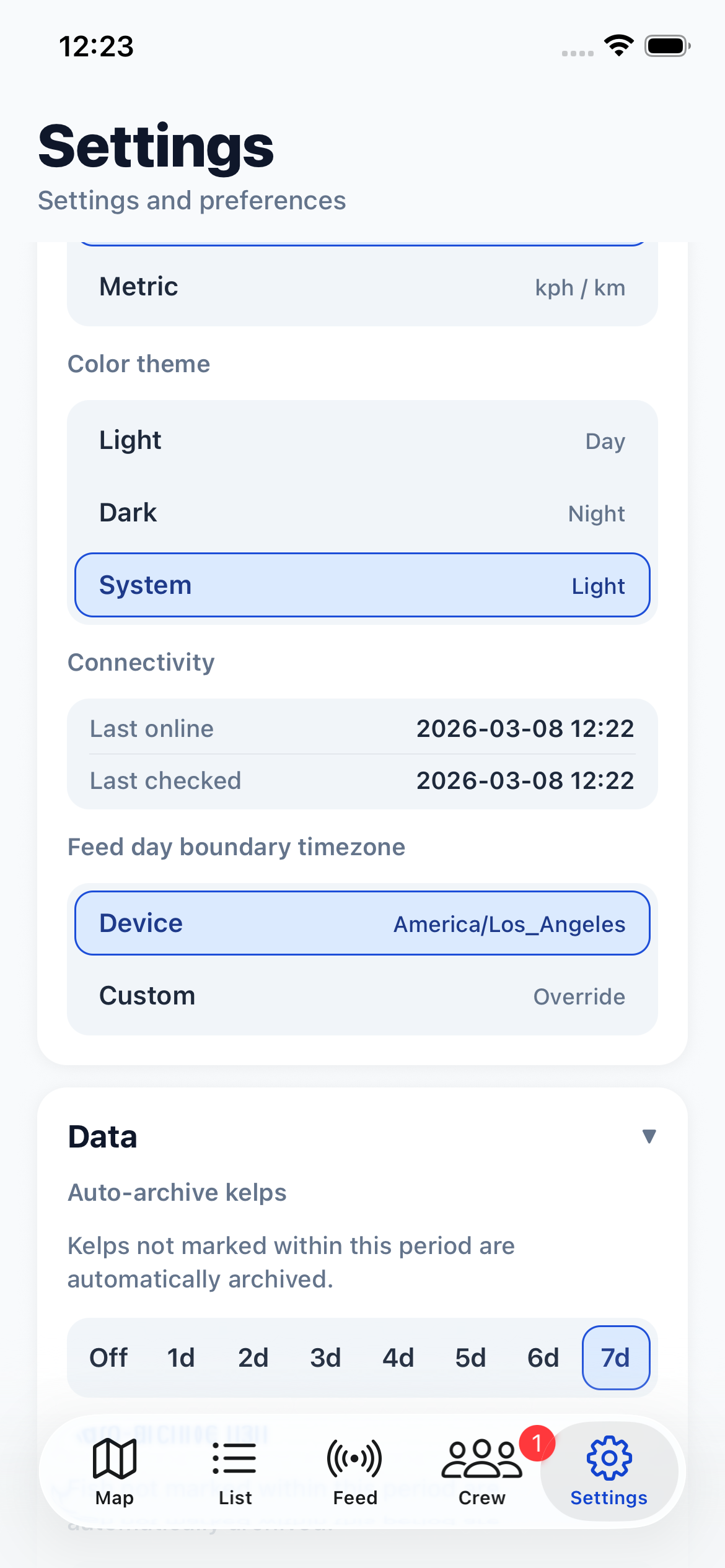
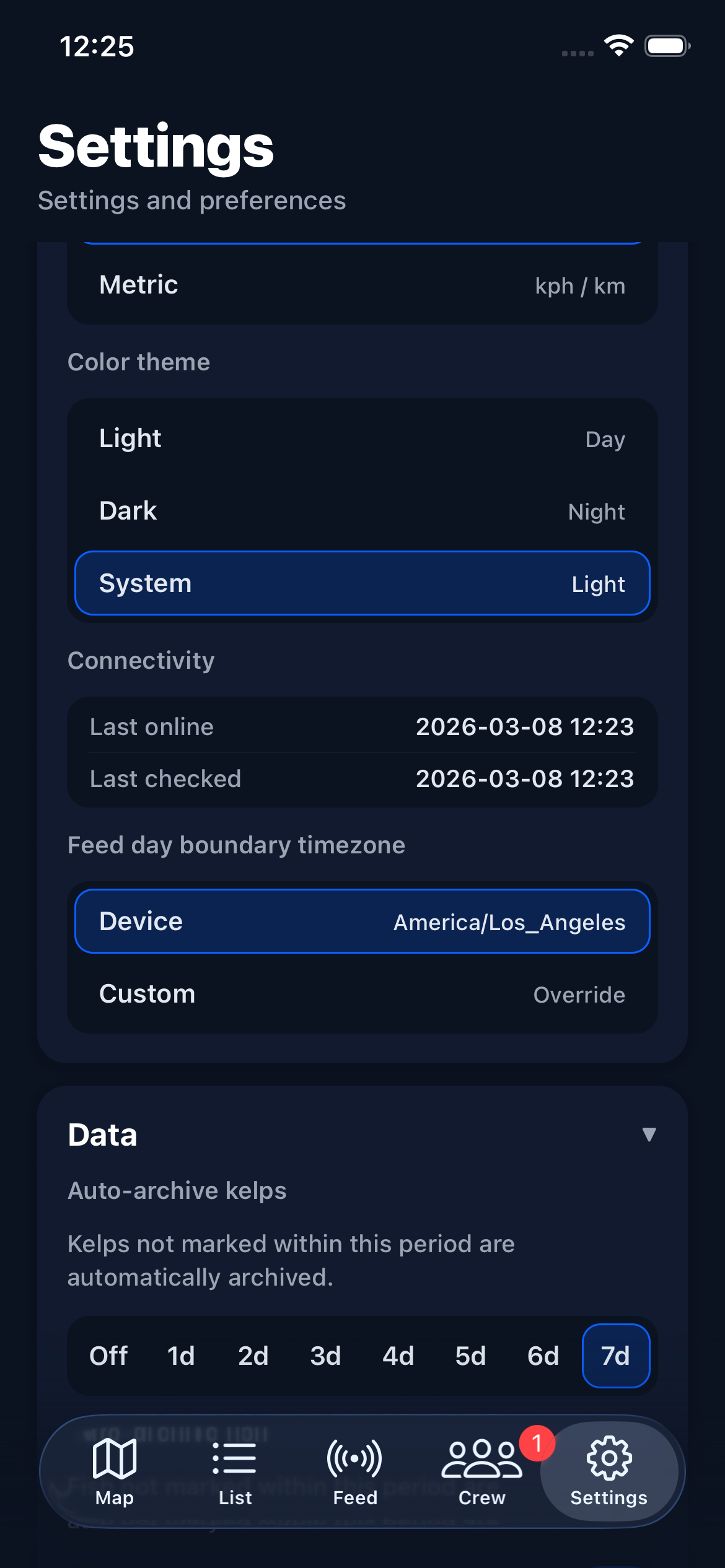
Units — choose between Nautical (knots, nautical miles), Imperial (mph, miles), or Metric (kph, kilometers). This affects all speed and distance values throughout the app.
Coordinates — choose how latitude and longitude are displayed: Decimal Degrees (DD, e.g. 33.12345), Degrees Minutes Seconds (DMS, e.g. 33° 07' 24.4"), or Degrees Decimal Minutes (DDM, e.g. 33° 07.407'). This affects coordinate display throughout the app including the detail screen, info pane, and mark pane.
Color theme — choose Light, Dark, or System. System follows your device's appearance setting automatically.
Feed day boundary timezone — controls how reports are grouped by day in the crew feed. "Device" uses your phone's timezone. "Custom" lets you pick a specific timezone, which is useful if you're fishing in a different time zone than your home port.
Data
Auto-archive kelps — automatically archives kelp marks that haven't been re-marked within the selected period. Options range from 1 to 7 days, or Off to disable. This keeps your active mark list clean without losing data — archived marks can always be restored.
Auto-archive fish — same as above, but for fish marks.
Default kelp windage — the wind factor applied to new kelp marks for drift prediction. Studies indicate 0.03 to 0.04 are generally ideal — at 0.03, kelp is predicted to drift at 3% of the wind speed. This default can be overridden per kelp from its detail screen.
Notifications
Role promotions — receive a push notification when you're promoted to admin or owner of a crew. Enabled by default.
Blocked Users
View and manage all users you've blocked. You can block users from the Messages tab by swiping on a conversation.
This screen exists so you can unblock someone even if you've deleted the conversation — otherwise there would be no way to reverse a block.
Subscription
View your current plan (Free or Pro), trial status, and manage your subscription. From here you can subscribe to Pro, restore a previous purchase, or open your device's subscription management settings to cancel or change your plan.
See the Subscription & Plans help topic for details on what each tier includes.
Account
The Account section shows your username, email, and sign-out button. Your username and email are set during account creation and displayed here for reference.
Delete account — at the bottom of the Account section you can permanently delete your account and all associated data. This action cannot be undone.